Optional Offer×
recommends

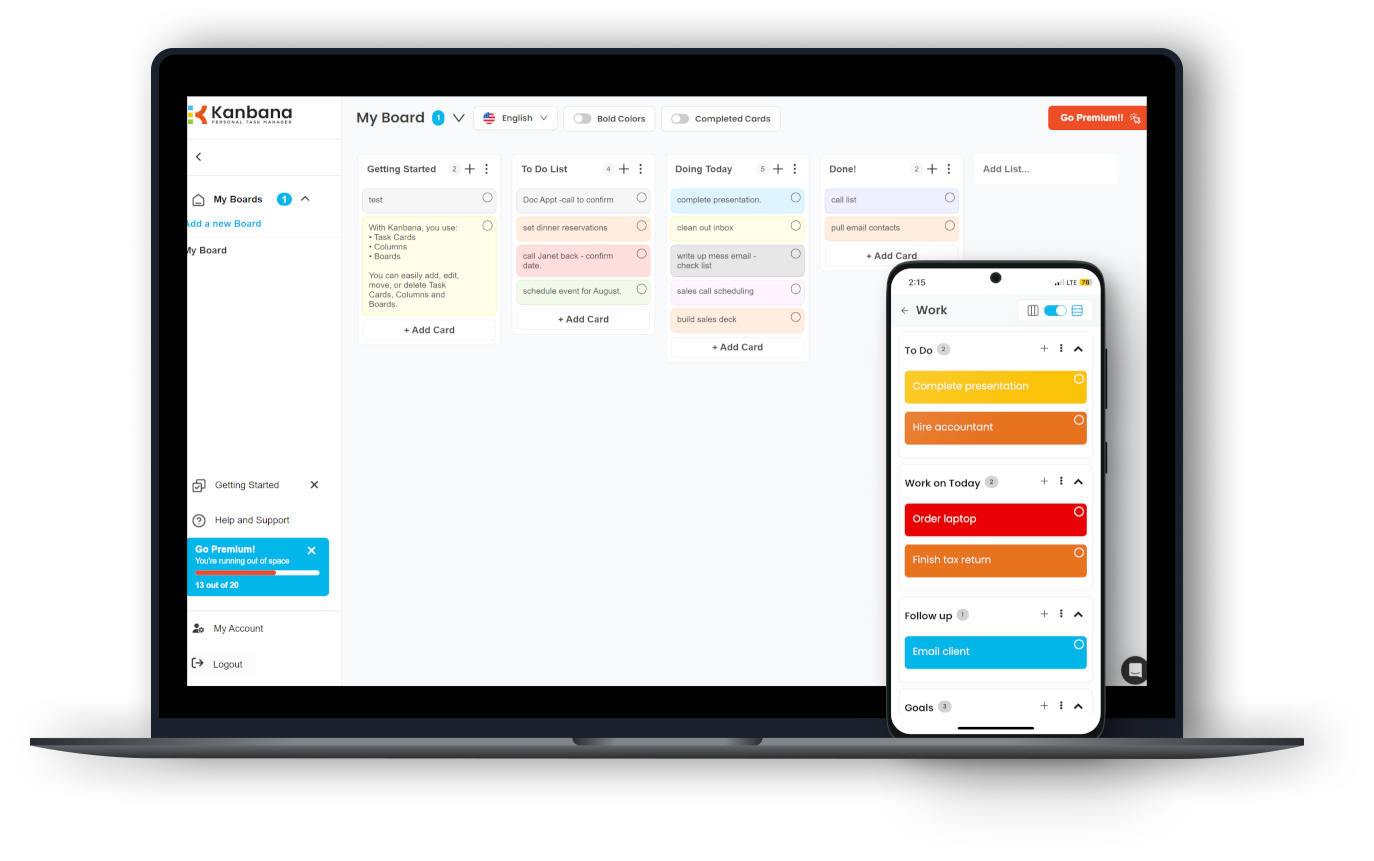
Download Kanbana for free now

Get organized and maximize your productivity!

  • Use across Windows, web, iOS & Android
  • Easy to use, with prebuilt templates
  • Customize your look & feel
  • Kanbana Anna AI chatbot coming soon!

  1. Wait for the installer to download
  2. Run the installer and follow instructions
  3. Enjoy Kanbana!
WinSize2
WinSize2 2.19 for Windows
Magra
A tool that can help you move windows automatically to a predefined place
The WinSize application was designed to be a tool that helps you move windows automatically to a predefined place. WinSize2 can move windows automatically to a predefined place and / or Resize the width and/or height to a predefined size. You can set / reset the attribut "Always on Top" for each window. Windows to be moved or resized are held in a list in WinSize2. It identifies the Windows to move / resize according to its window title. Each time the window is opened (new created) WinSize2 compares the title to an internal list of title which are to be acted apon. When the window is still registered (in most cases: on screen or minimized) the appearance is not changed also if position / size was changed by the user. Hotkeys Hotkey 1 time: The place / size of the actual window is learned by WinSize2. WinSize2 inserts the window title into its internal list or overwrites existing parameters. Hotkey 2 times: (within 1 Second) deletes the program title from the list Hotkey 3 times: Set options for this title or for WinSize2

Software Summary:

You can run WinSize2 on Windows operating systems. WinSize2 is a software product developed by Magra and it is listed in the category. WinSize2 is a free software product and it is fully functional for an unlimited time although there may be other versions of this software product.

Alternatives in on Windows