Optional Offer×
recommends

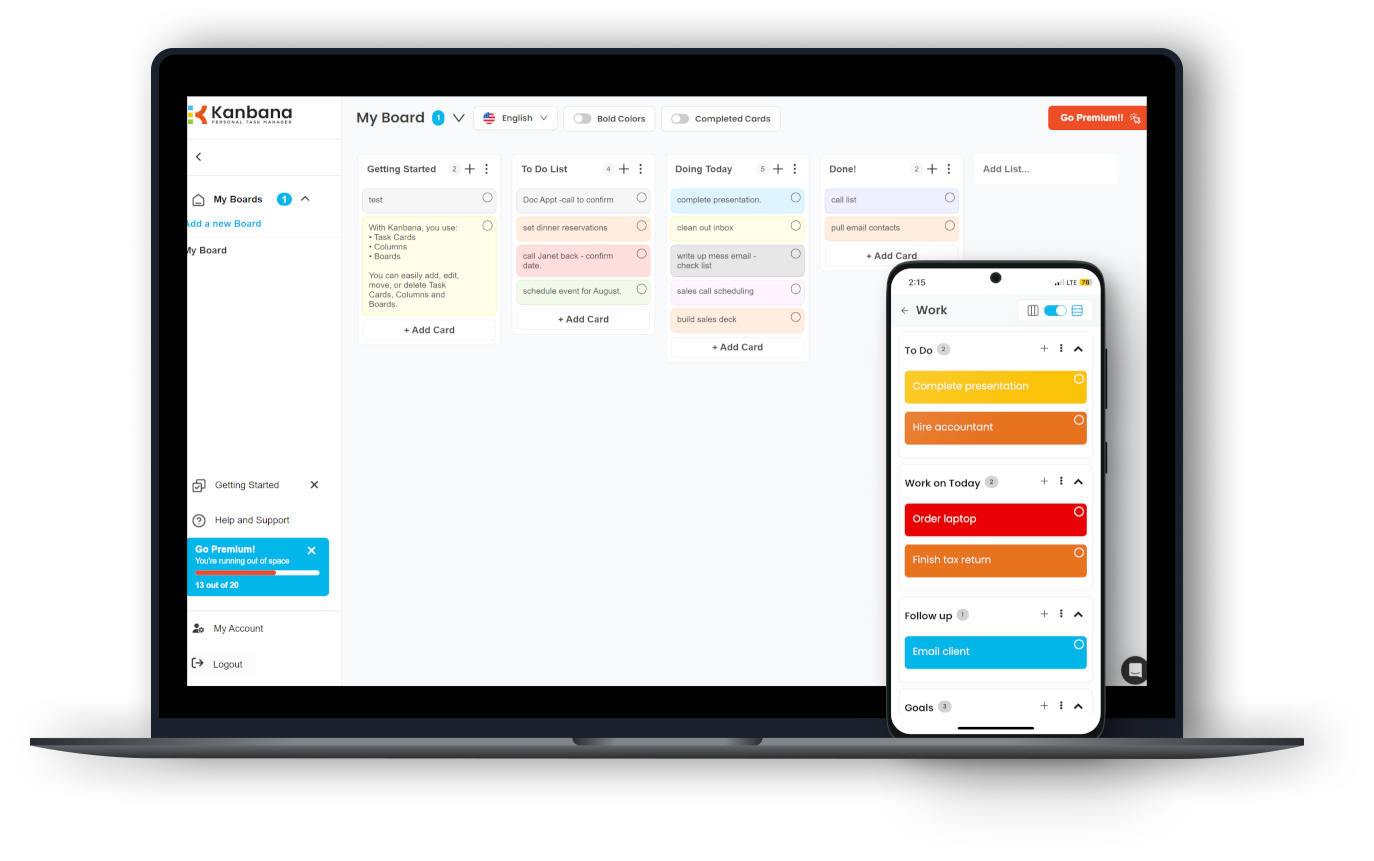
Download Kanbana for free now

Get organized and maximize your productivity!

  • Use across Windows, web, iOS & Android
  • Easy to use, with prebuilt templates
  • Customize your look & feel
  • Kanbana Anna AI chatbot coming soon!
  1. Wait for the installer to download
  2. Run the installer and follow instructions
  3. Enjoy Kanbana!
JPEG Comments Viewer
JPEG Comments Viewer 1.0 for Windows
Mwisoft
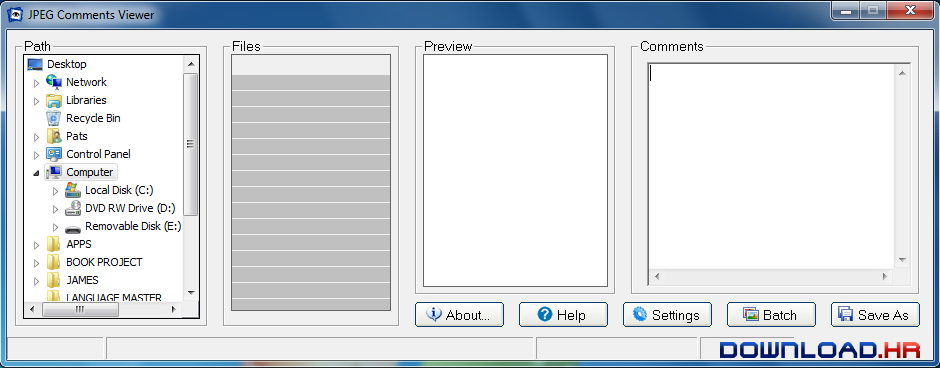
JPEG Comments Viewer is a tool for displaying JPEG comments.
JPEG Comments Viewer is a tool for displaying JPEG comments. A JPEG file may contain several comment segments. This user-friendly tool will display all JPEG comments in a single window. You can export JPEG comments as TXT format or DOC format. Removing all JPEG comments is also possible using this program. A status bar is available at the bottom of the main window to help the user check JPEG file properties. A thumbnail image of the selected JPEG file is available at the Preview section of the main window. Processing multiple images at once is also possible. Drag and drop method of loading multiple images at once is also supported. The program has been designed to be used by both novice and experienced computer users.

Software Summary:

You can run JPEG Comments Viewer on Windows operating systems. JPEG Comments Viewer is a software product developed by Mwisoft and it is listed in the category. JPEG Comments Viewer is licensed as Shareware which means that the software product is provided as a free download to users but it may be limited in functionality or be time-limited. You may need to pay at some moment to continue using product or to use all functionalities.

Alternatives in on Windows