Optional Offer×
recommends
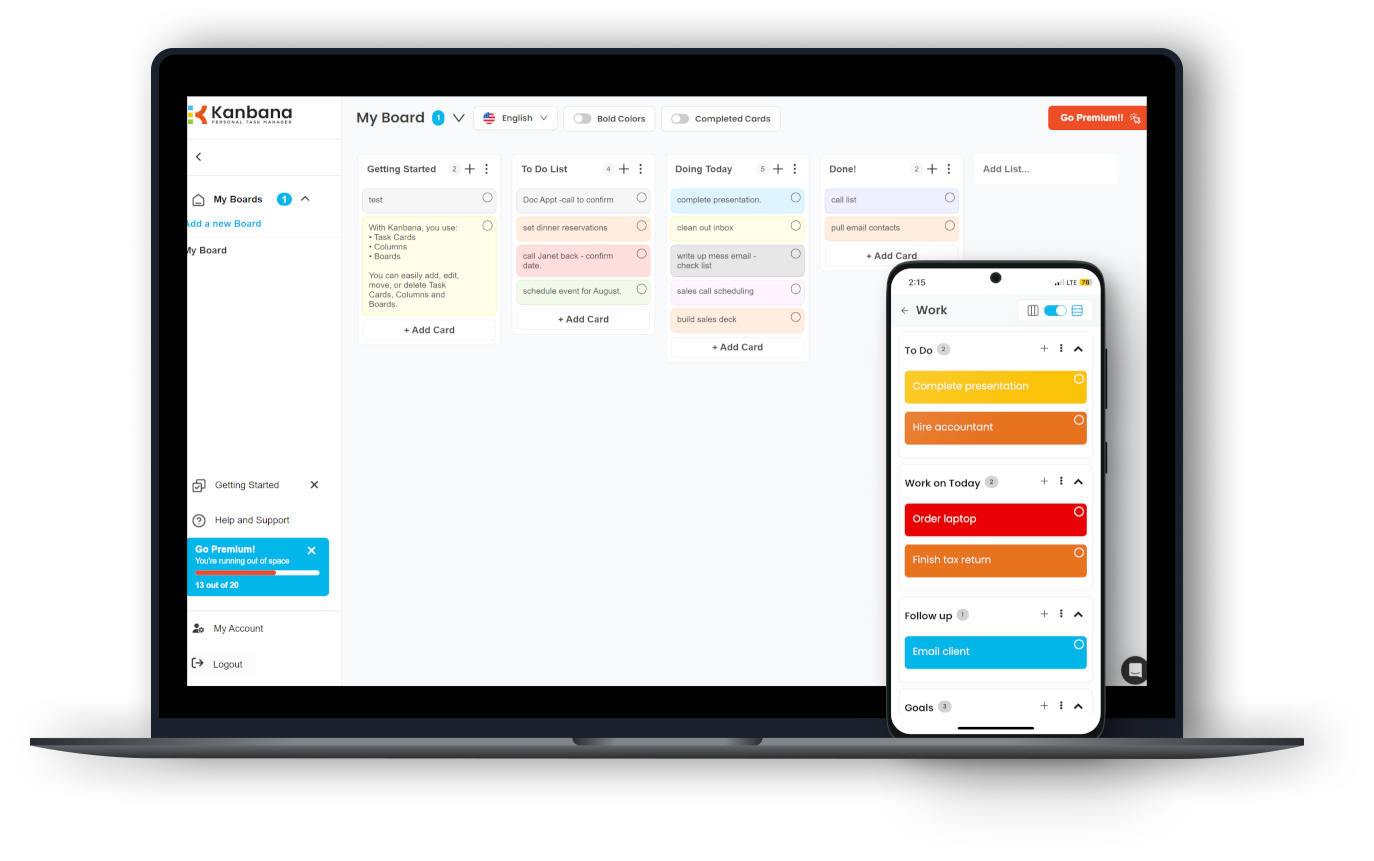
Download Kanbana for free now

Get organized and maximize your productivity!

  • Use across Windows, web, iOS & Android
  • Easy to use, with prebuilt templates
  • Customize your look & feel
  • Kanbana Anna AI chatbot coming soon!
  1. Wait for the installer to download
  2. Run the installer and follow instructions
  3. Enjoy Kanbana!
Serva
Serva 3.0 for Windows
Patrick Masotta
Portable multi-server
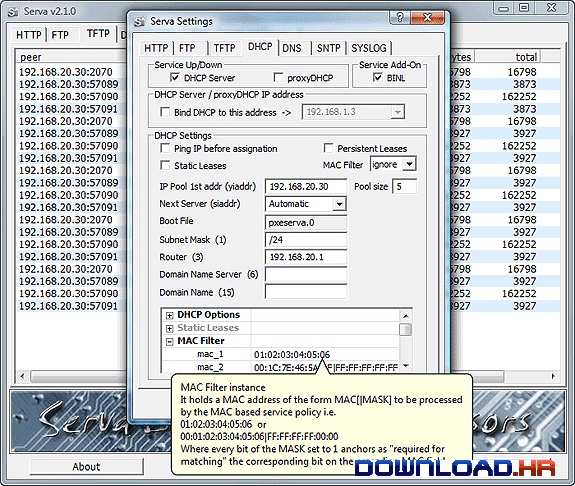
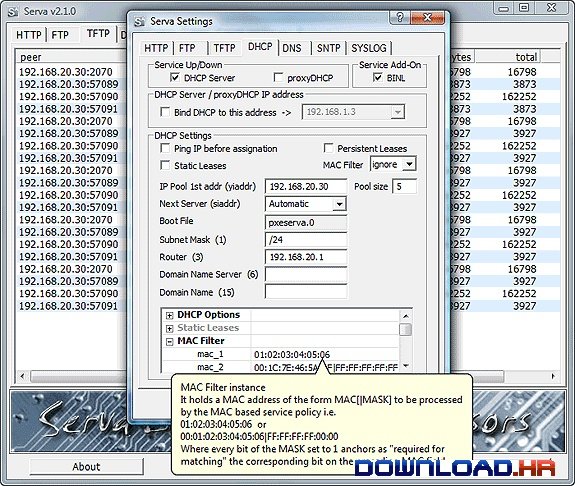
Serva is a portable multi-server that combines HTTP, FTP, TFTP, DNS, Syslog and SNTP servers into a single application. Each server component supports the basic configuration options you would expect to see. The FTP server can manage up to 3 user logins and the HTTP server supports file browsing. Serva is by no means intended to be used in a production environment but rather as a quick and easy to use solution to get a temporary server up and running with minimal efforts.We didn't like the fact that Serva needs to be restarted each time you change a setting. Even if you just want to turn off one server but leave others running, a complete application restart is required, which affects all servers. To make it worse, there is a 7 second nag screen delay each time you start the application (asking you to upgrade to the paid version).Overall, you get a lot of server applications in a small, portable, package but features are mostly basic and free usage comes with a nag screen.

Software Summary:

You can run Serva on Windows operating systems. Serva is a software product developed by Patrick Masotta and it is listed in the category. Serva is licensed as Shareware which means that the software product is provided as a free download to users but it may be limited in functionality or be time-limited. You may need to pay at some moment to continue using product or to use all functionalities.

Alternatives in on Windows